
customs inspection photo record barcode photo capture software lithium battery export photos air freight shipment photos carton photo archive export declaration photo evidence freight forwarder photo review open-box photo record
Why It Matters
Why sellers need shipping evidence
- When a freight forwarder, airline or customs review asks for photos later, the parcel may already be sealed, shipped or handed over.
- Manual phone photos are easy to miss, and the images often cannot be matched to the correct box number or barcode.
- Battery-powered goods and lithium battery shipments often need clear photos of labels, UN markings, dangerous goods marks and open-box contents.
- Photos scattered across phones or chat records are hard to search, export and reuse for review.
- Customer service and warehouse teams need a faster way to provide complete photo records for a specific carton.
What inboz Solves
Build a reviewable evidence chain around the packing station
Automatic barcode recognition: once the carton is placed on the photo station, the system reads the box barcode and binds photos to that box.
Multi-angle photo capture: the workflow records side labels, front labels, sealed top views and open-box views as standardized evidence.
Final sealed-state recapture: after packing is completed, one key triggers the final photo capture before the parcel leaves the warehouse.
Searchable photo archive: every photo is saved under the related barcode so teams can search, export and upload records quickly.
Field Materials
Operation video and photo evidence examples
Field Demo: Barcode Recognition and Automatic Photo Archiving
This video shows how the inboz photo capture software works in a real shipment workflow. The carton is placed on the photo station, the system recognizes the barcode and captures photos automatically. After sealing, one key triggers the preset multi-angle photo workflow and final state capture.
The examples below show a common four-photo evidence set. Actual requirements may vary by freight forwarder, airline, destination country and cargo type, so the final standard should follow your shipment review requirements.
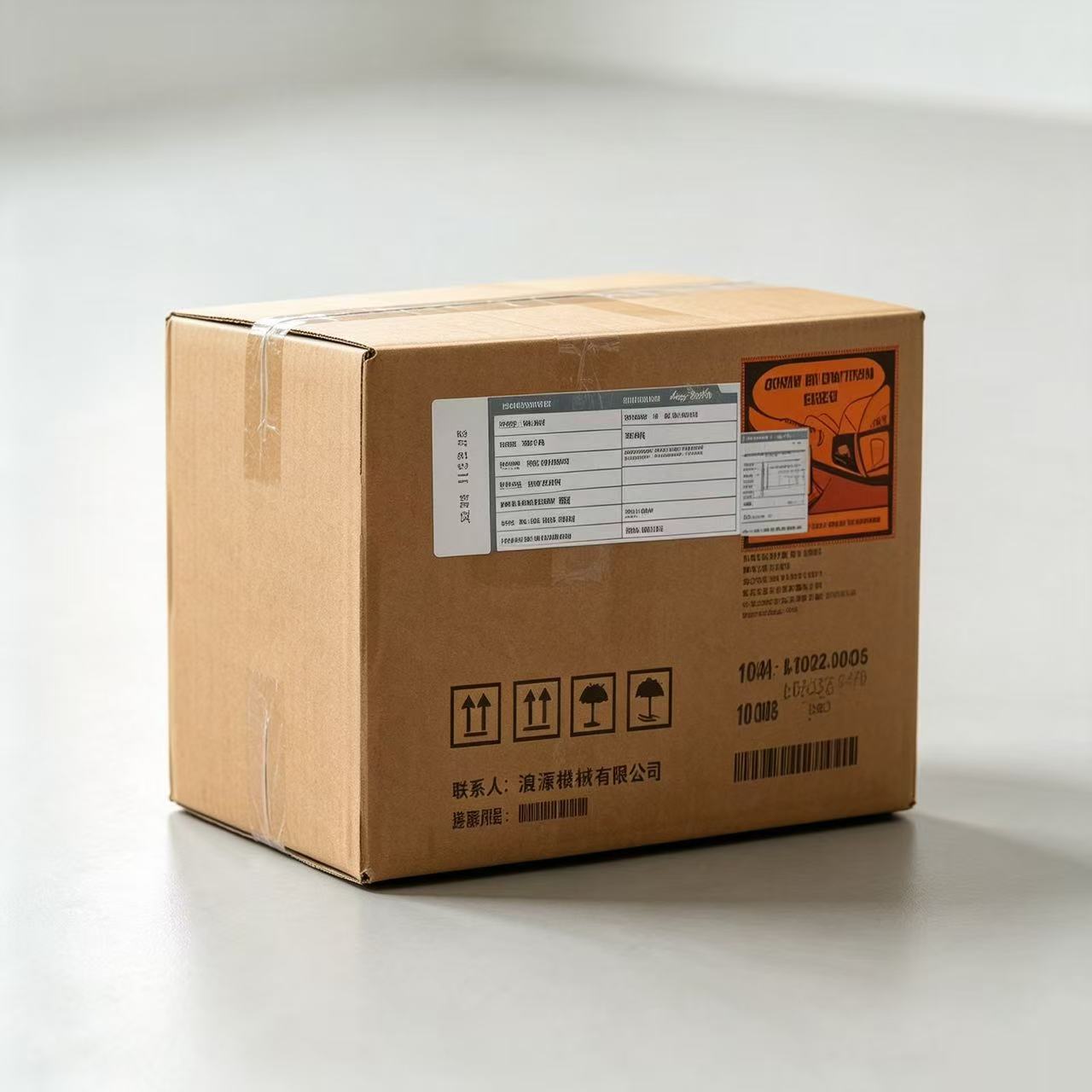
A1 Box Side with Barcode
Capture the box number, carton marks and side information so the photo can match the export documents.
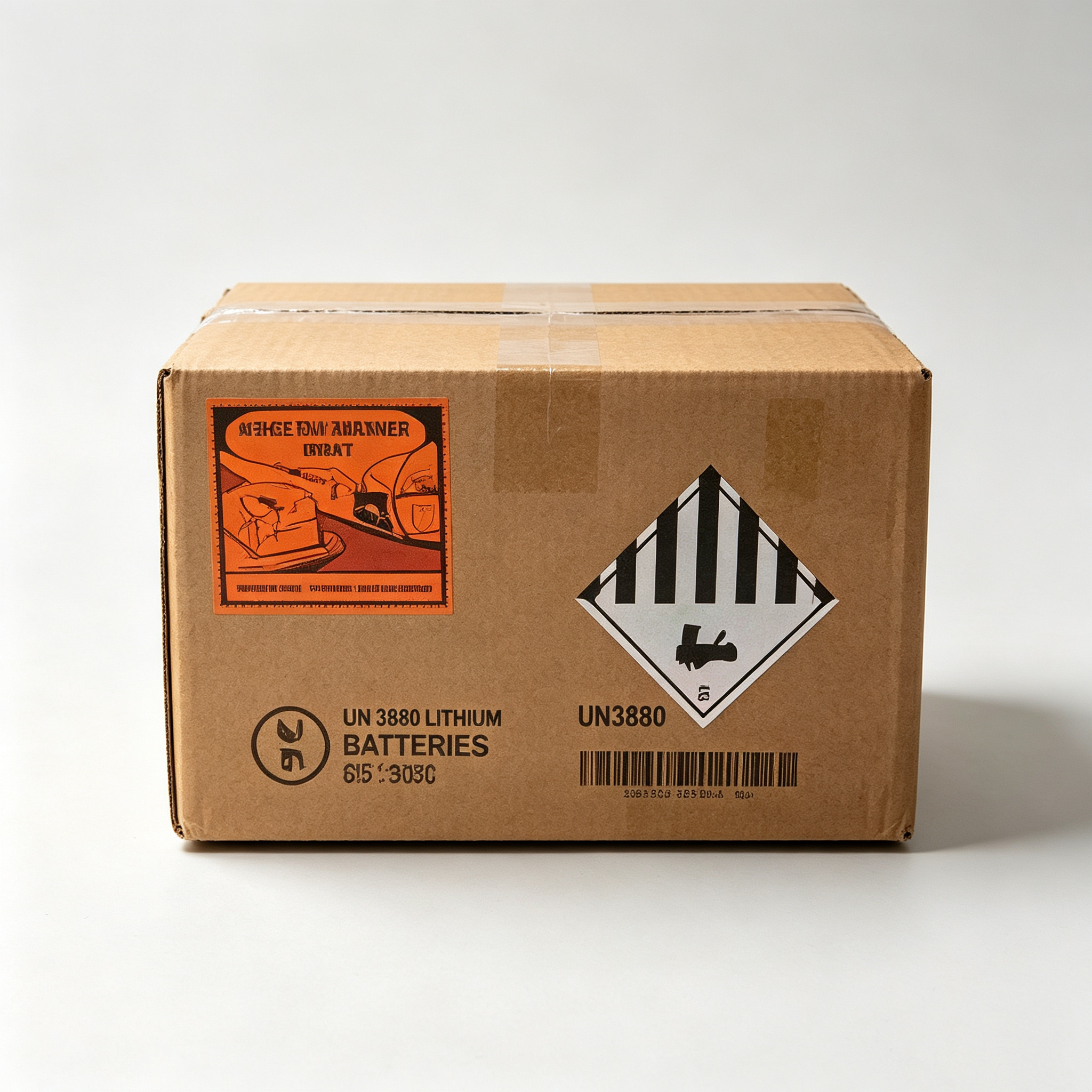
A2 Front Label Side
Capture lithium battery marks, UN markings, dangerous goods labels and air-transport labels.
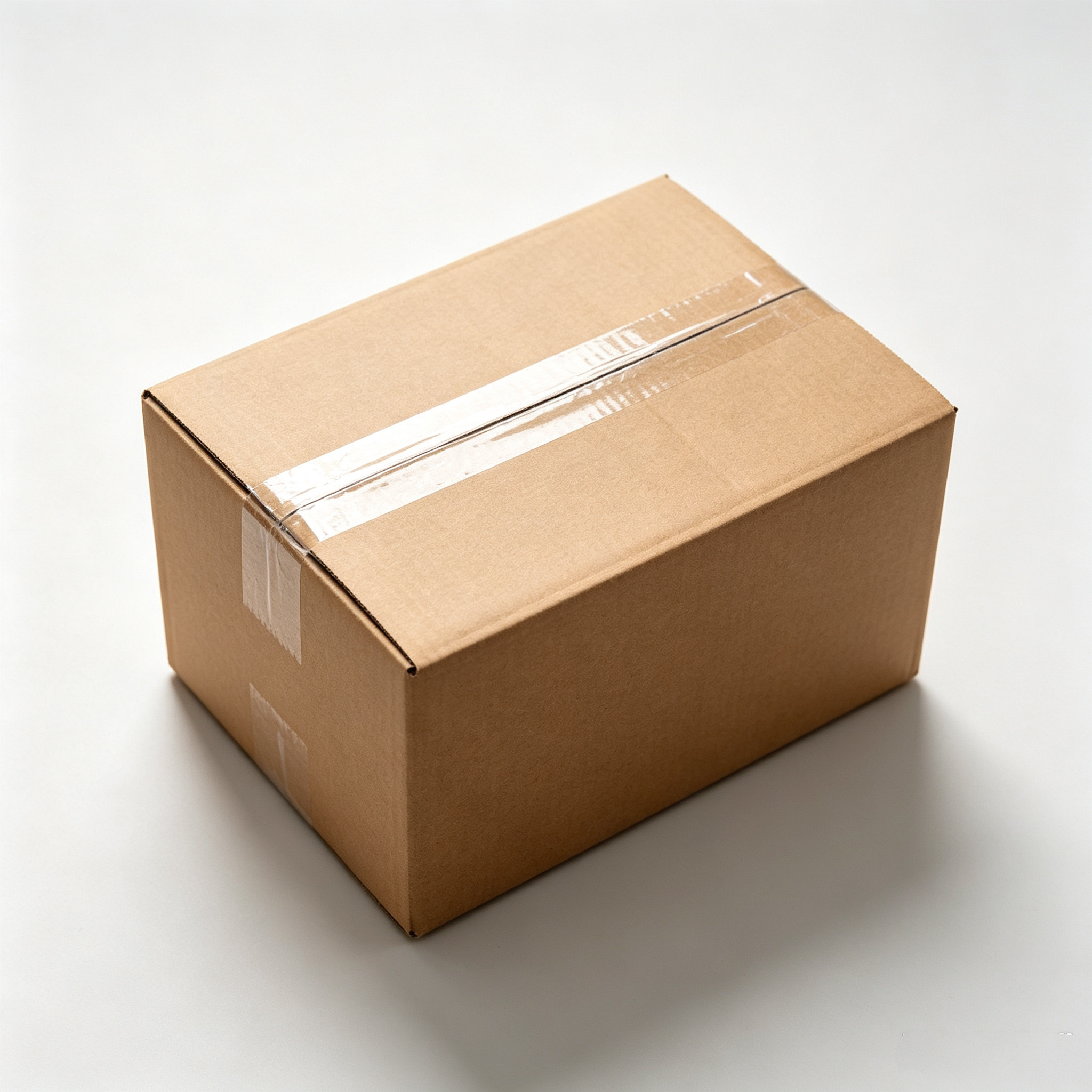
A3 Sealed Top View
Capture the sealed top state and overall carton appearance after packing.
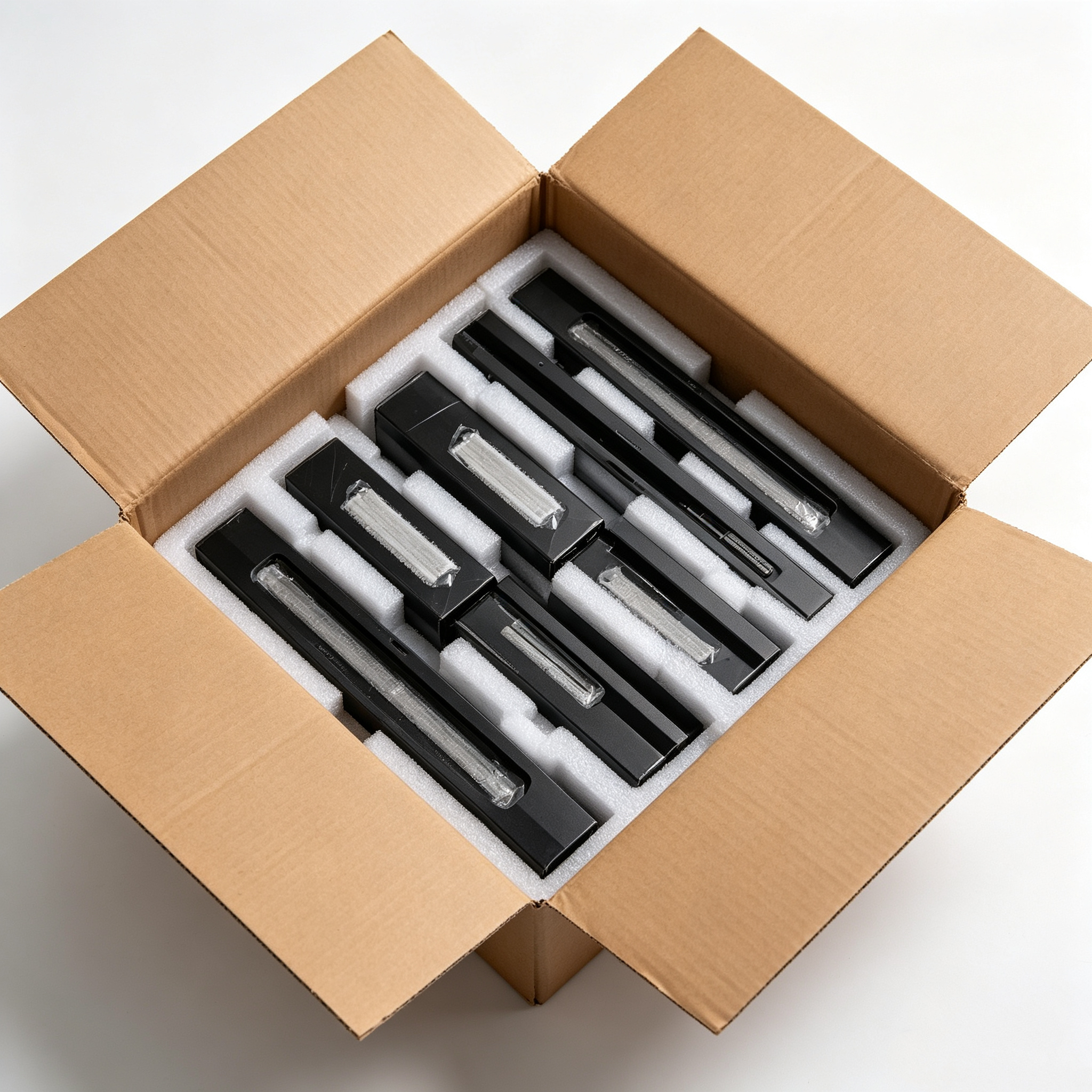
A4 Open-box Top View
Capture the actual goods and inner packing condition to verify the declared contents.
Best Fit
Who this solution is for
- Cross-border e-commerce sellers and export teams.
- Sellers shipping lithium batteries, battery-powered goods, electronics accessories and small appliances.
- Warehouses often asked by freight forwarders, airlines, customs review or customers to provide shipment photos.
- Teams that need to link box numbers, barcodes, photos, declarations and shipment batches.
- Operations teams that want to reduce missed shots, wrong filenames and manual photo searching.
Key Difference
Different from ordinary warehouse cameras
Ordinary cameras may show that someone handled a parcel, but they usually do not create a searchable photo set linked to a box barcode. This solution focuses on review-ready photo evidence: the photos need to show labels, markings, carton status and open-box contents, and they need to be exportable when a reviewer asks for them.
Recommended Products
Choose the right inboz setup for your packing workflow
inboz Barcode Photo Capture Software
Designed for export warehouses and freight-forwarding review workflows that need to archive shipment photos by box barcode.
It can work with overhead cameras, multi-angle cameras and key-triggered capture workflows to turn manual photo taking into automatic recognition, capture and archiving.
Workflow
From packing station to after-sales evidence
- Step 1: Place the packed goods on the photo station. Warehouse staff place the unsealed carton with a box barcode on the marked desktop area.
- Step 2: The system automatically recognizes the barcode. The software reads the carton barcode and triggers the overhead camera to capture one photo.
- Step 3: Complete multi-angle photo capture. After sealing the carton, a key press triggers the preset workflow to capture side-label photos, front-label photos and sealed top-view photos.
- Step 4: Archive photos by barcode. All photos are saved under the related box barcode for later search, export, upload and traceability.
FAQ
Common questions
Are four photos always required for customs inspection?
Not always. Requirements vary by freight forwarder, airline, destination country and cargo type. A four-photo set is a practical standard for showing carton sides, labels, sealed status and open-box contents.
Why capture photos after barcode recognition?
Barcode recognition links every photo to the correct box number, so the team can later search and export the exact records for that carton.
Why take another photo after the carton is sealed?
The final photo records the parcel?s outbound state before it leaves the warehouse, including the label, sealing and outer appearance.
Is this only for lithium battery shipments?
No. Lithium battery and battery-powered goods are common use cases, but any export workflow that needs carton-level photo evidence can use the solution.